
For parents
The school day, in your pocket.
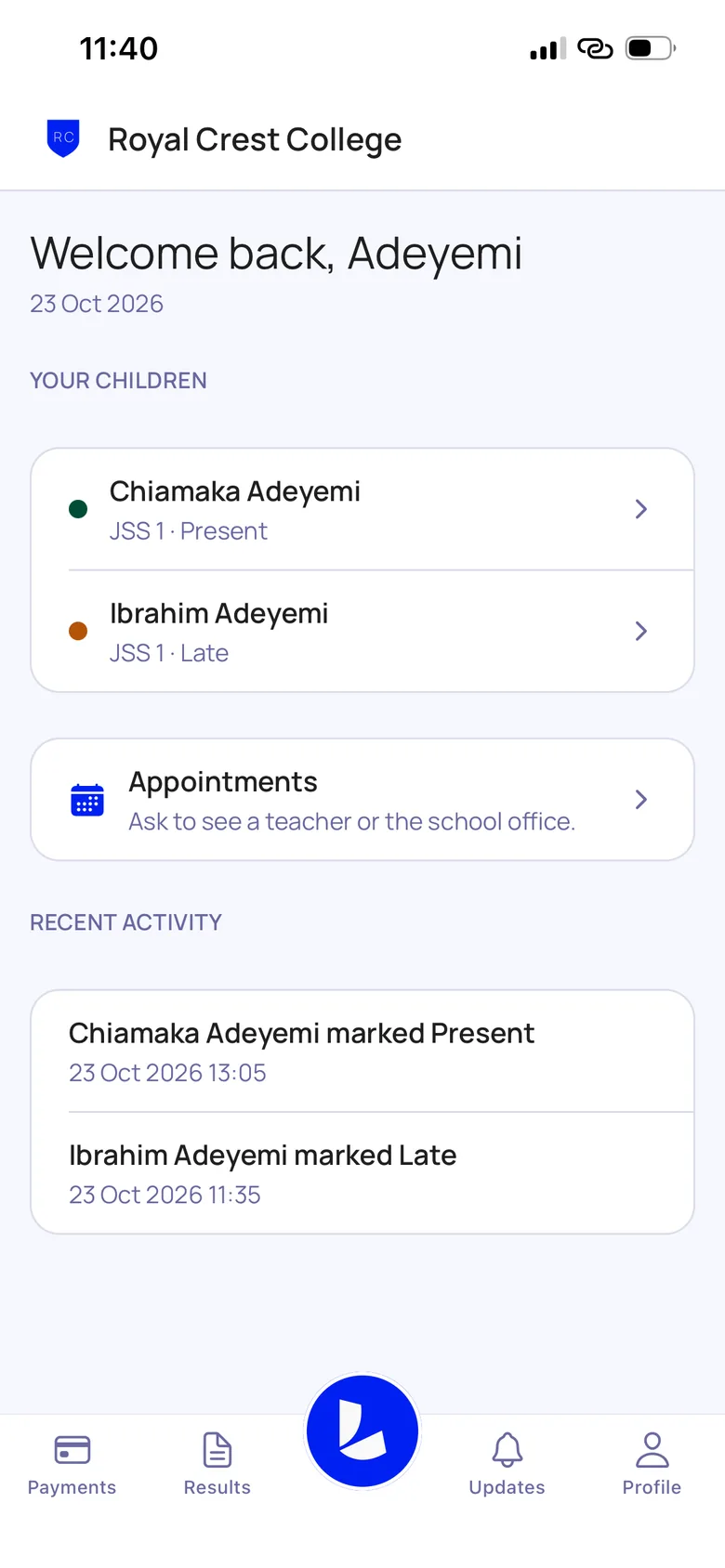
See each child’s day as the school records it: when attendance is marked, what needs paying, results when they are released, and the messages that matter.

The day
The day as it happens.
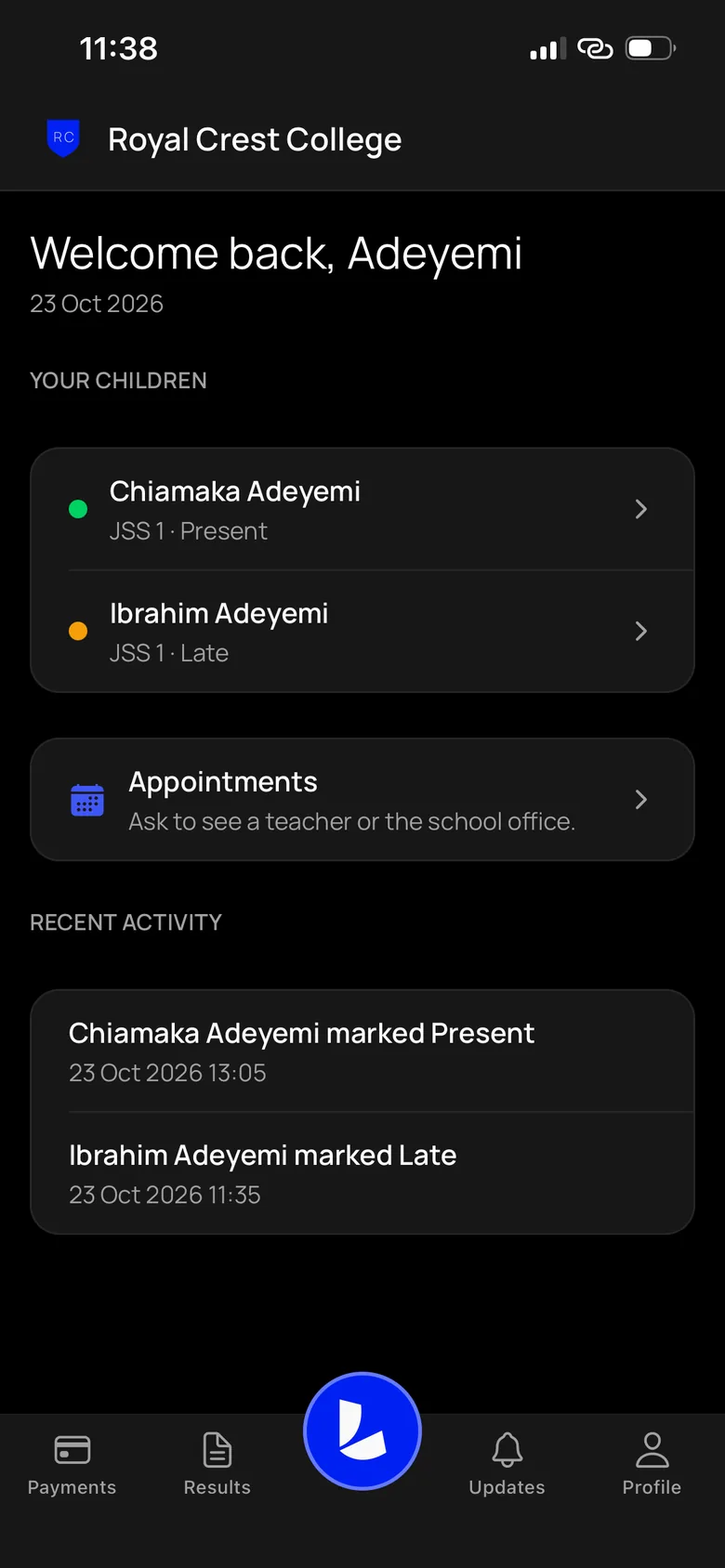
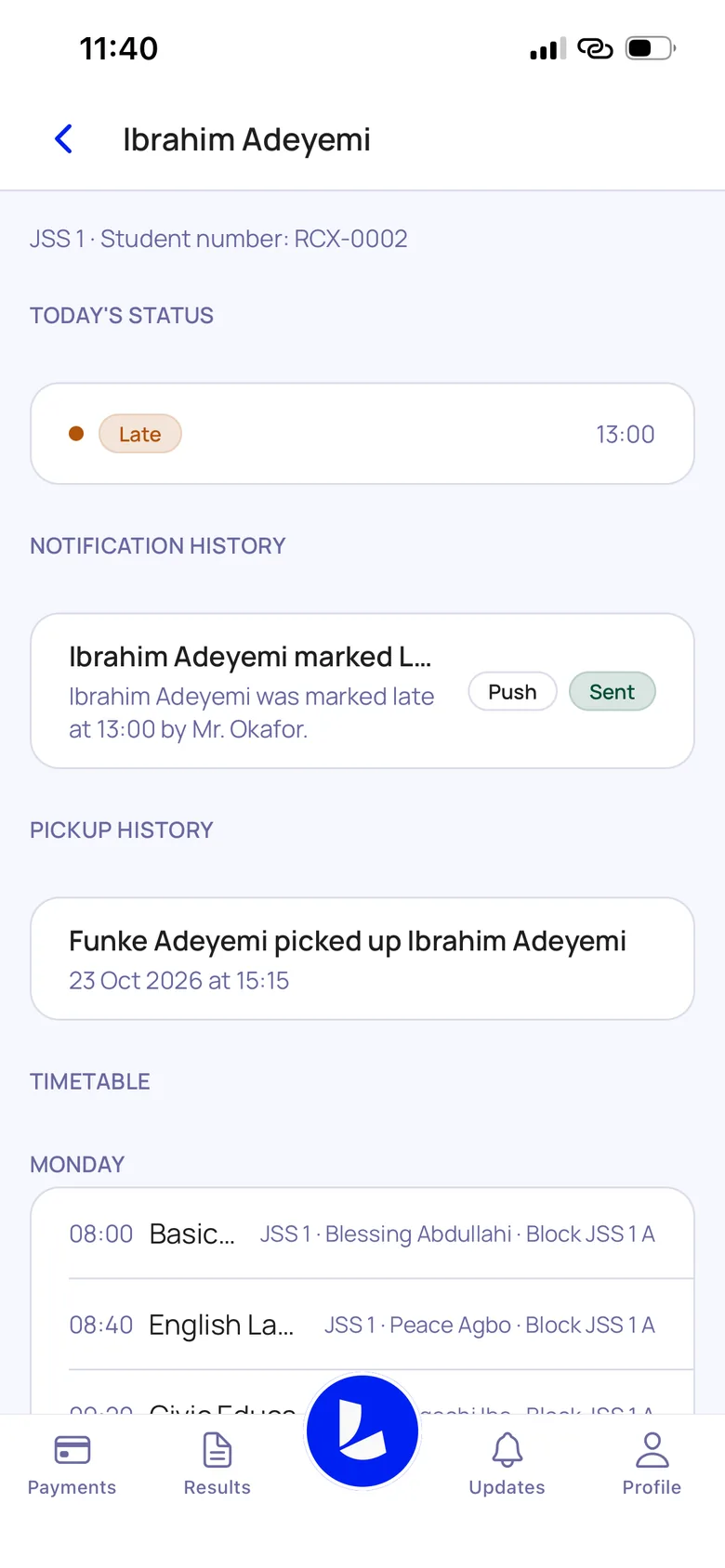
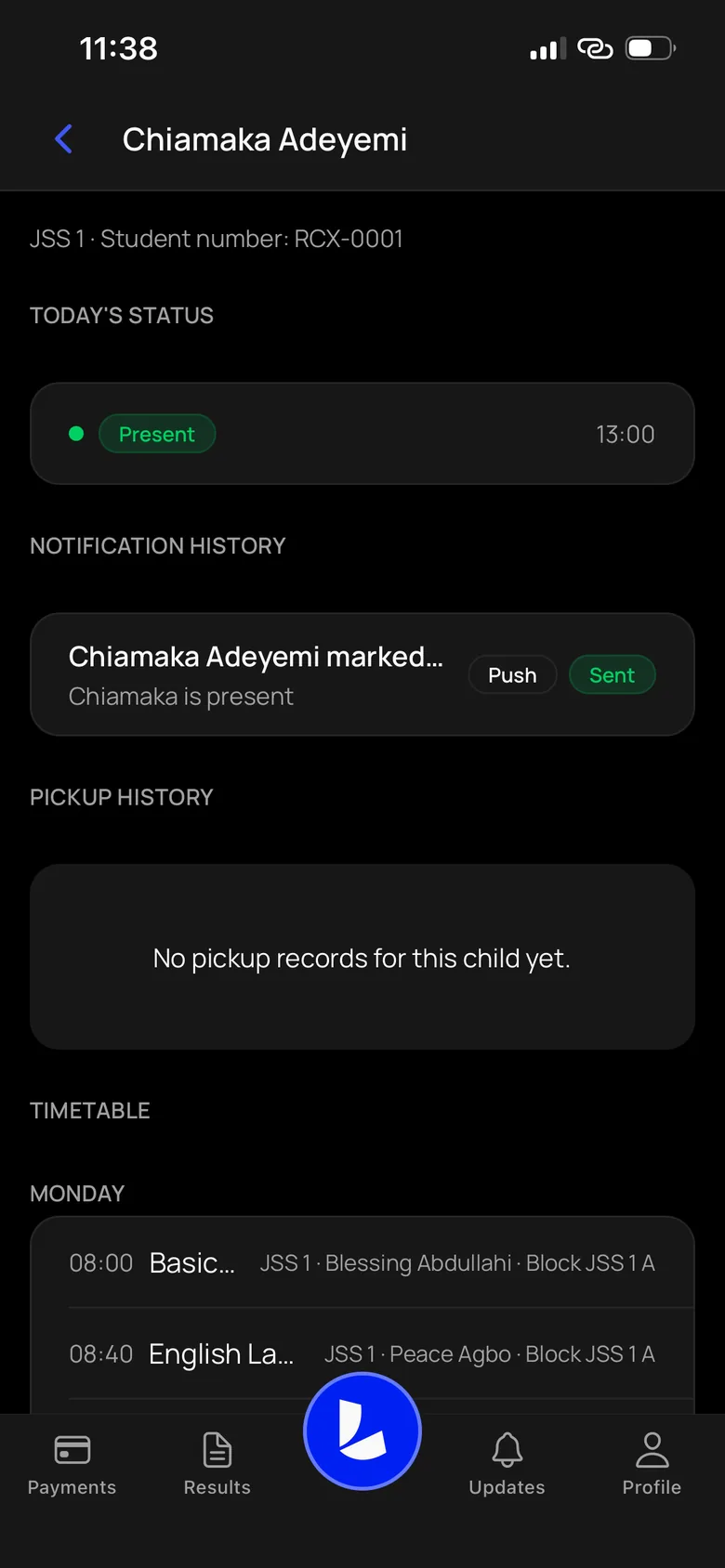
Open a child and see today’s status, the messages sent, and the pickup history. The school keeps the record; the app shows it to you.
- Present, late, or absent, with the time it was marked.
- A message for each mark, and how it was sent.
- The pickup history, with who collected the child and when.
- The class timetable, so the next lesson is not a guess.
Payments
Fees and shop items, without the queue.
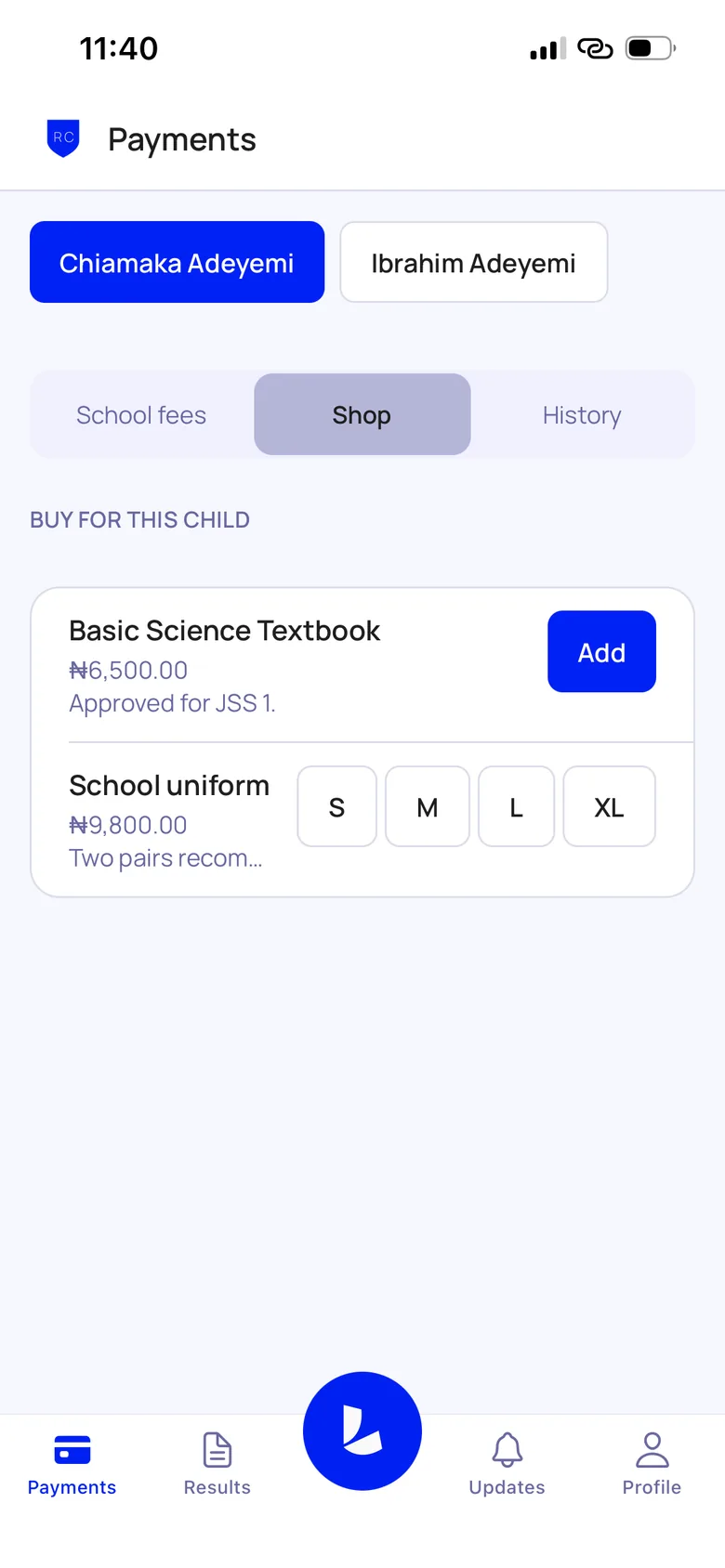
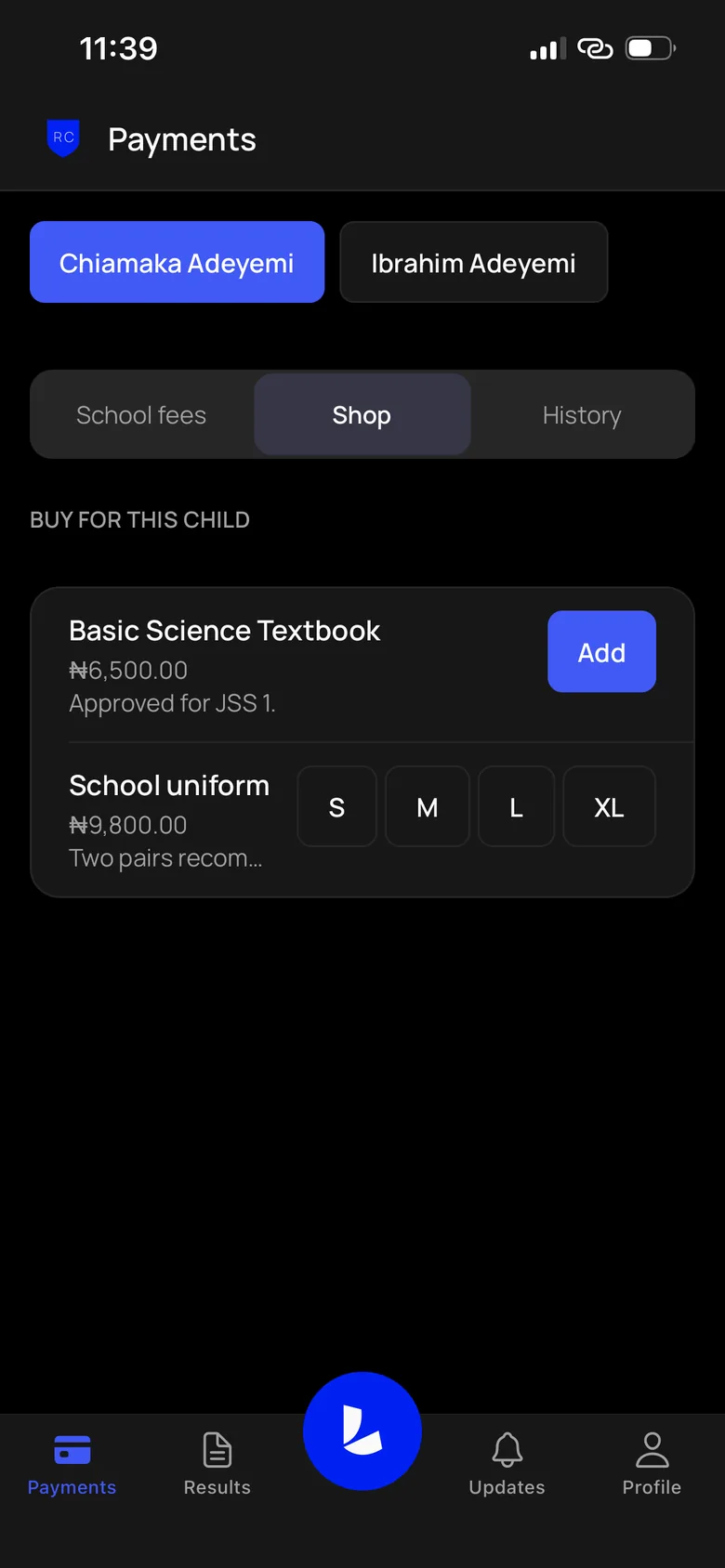
Pay fees and buy the books, uniforms, and lunch a child needs, for one child or several, in one checkout.
- One basket for one child or several, grouped by child and category.
- Textbooks and uniforms from the school’s own list, with sizes where needed.
- A receipt that lists each child, each fee, and any charge from the payment company.
- The payment history, so a parent can find a receipt without asking the office.
Results
Results, with the reason.
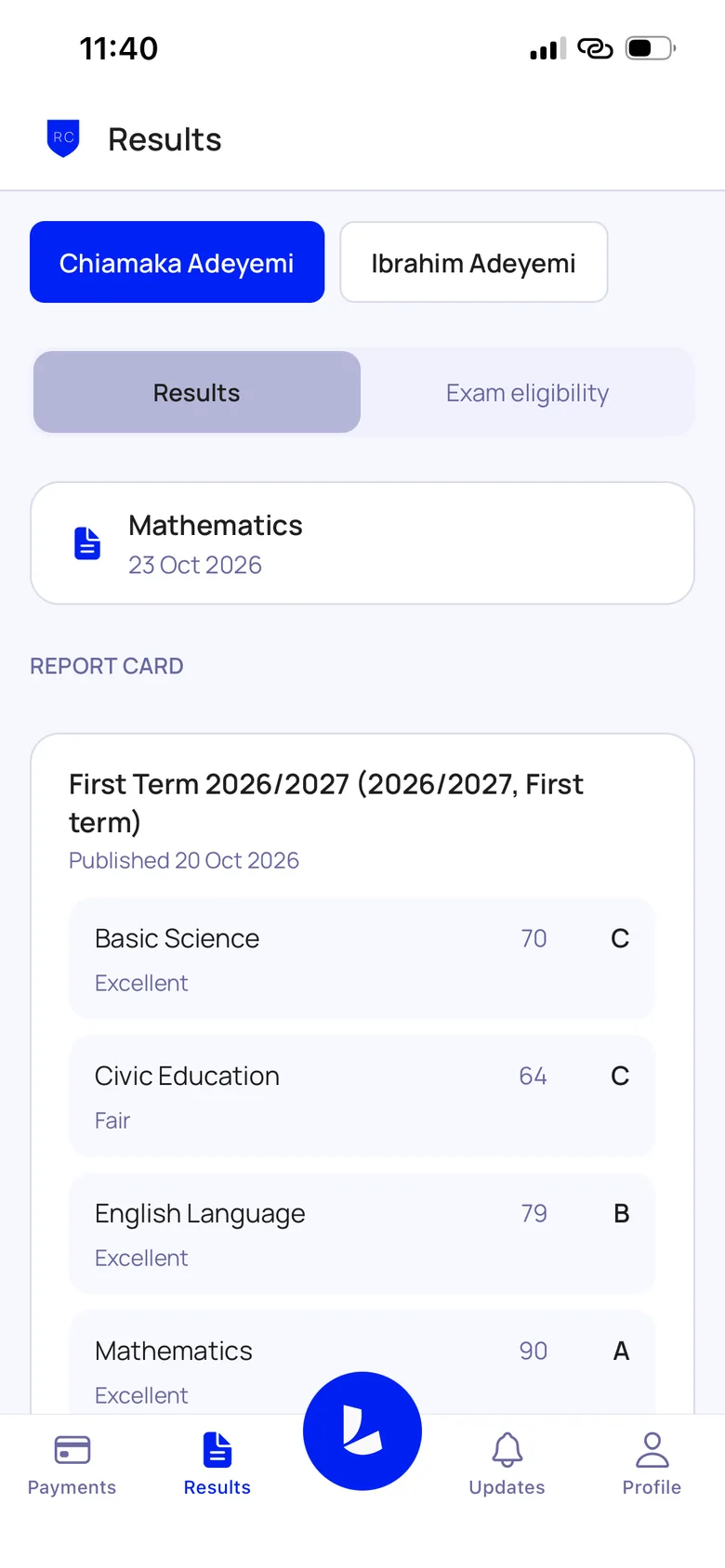
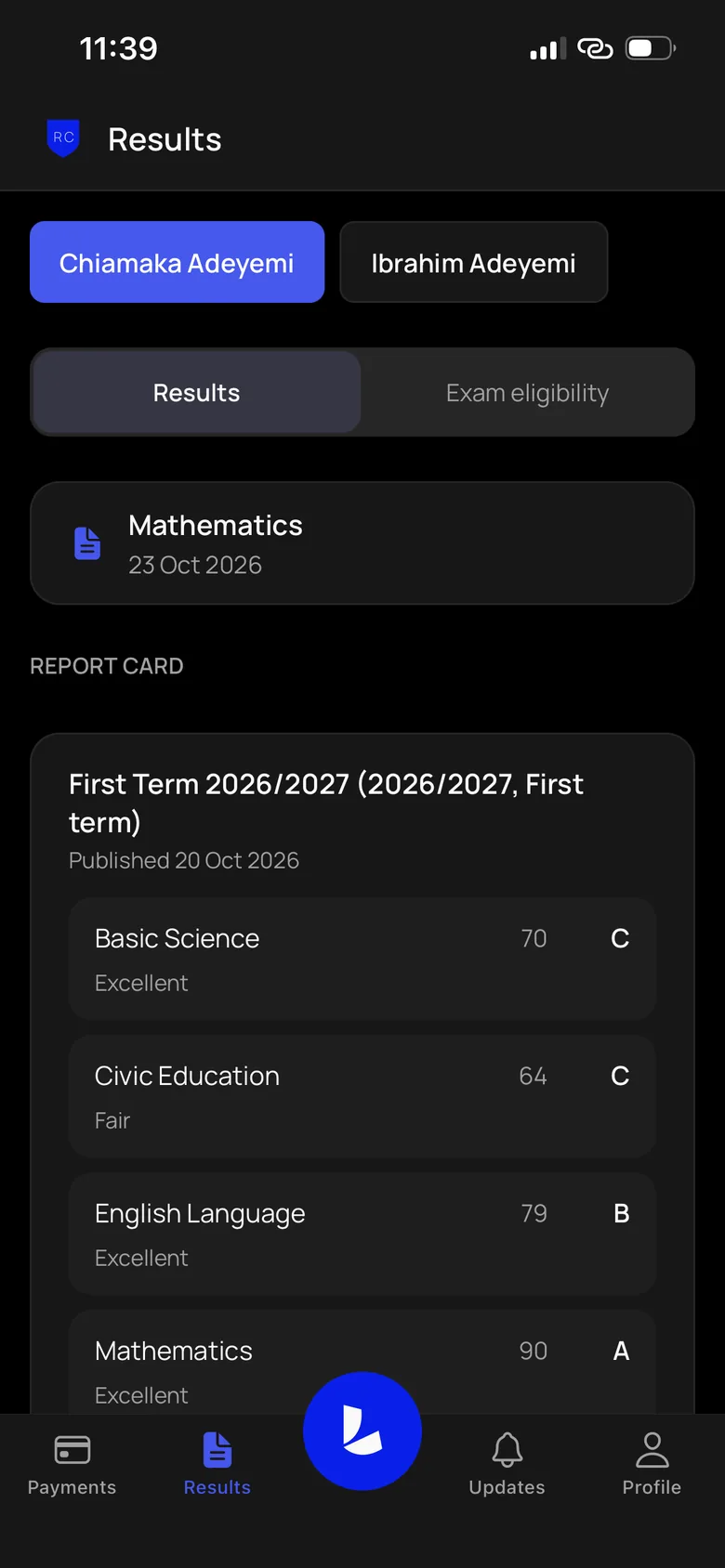
A result appears after the school releases it. You can see whether a child can sit an exam before the exam, with the reason if they cannot yet.
- A report card for each term, with the subject, score, grade, and remark.
- Whether a child can sit an exam, and why.
- Only results the school has released, not marks it is still reviewing.
- The same view on the phone and on the web.
The rest of the day
Notices, messages, timetable, and appointments.
The app is not a payment page with a school logo on it. It carries the messages, the week, and the request a parent needs to make.
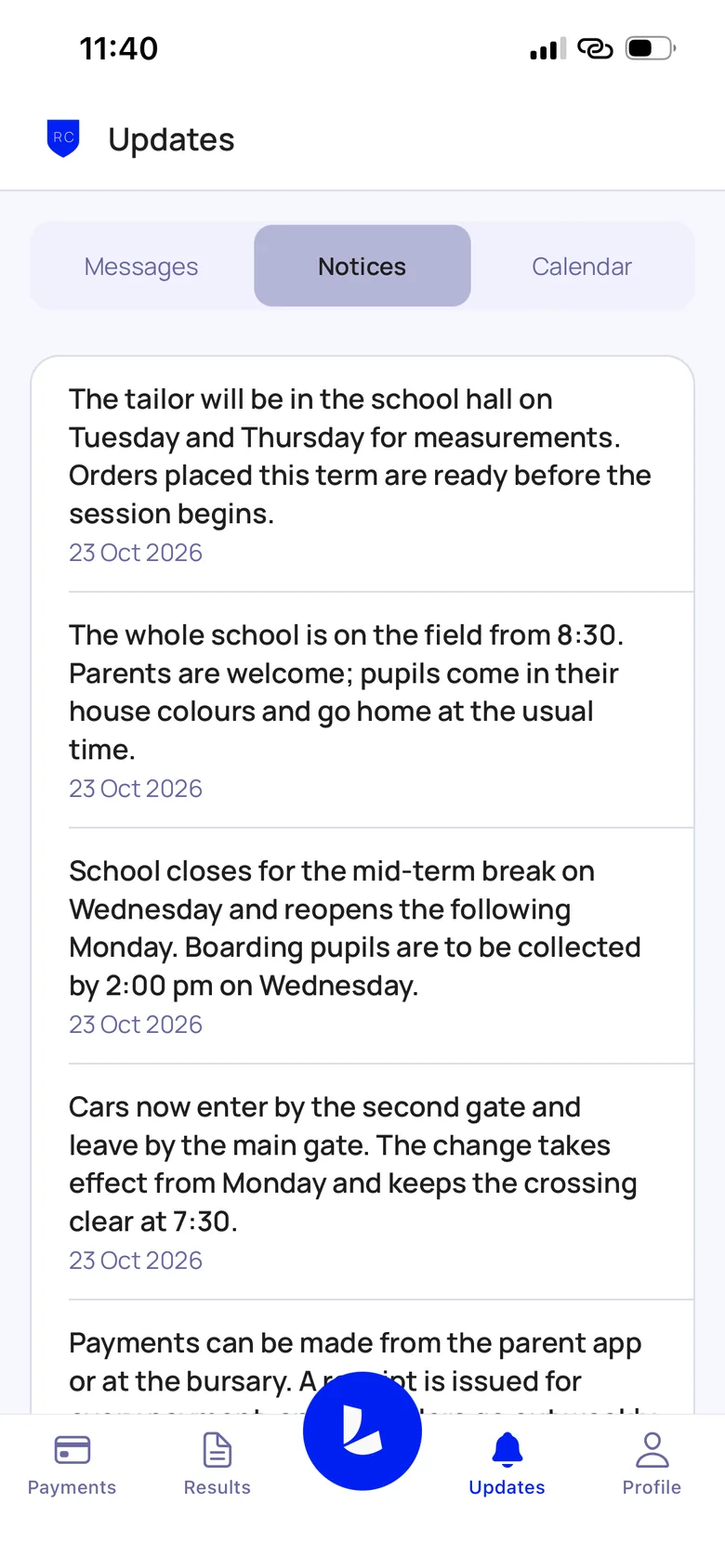
- Notices and messages from the school, in one place.
- The class timetable for each child.
- An appointment request with a category, a note, and a preferred time.
- A profile and account settings, including how to delete an account.
Privacy
Only your family.
A parent account is linked to its children, and nothing else in the school is visible through it.
Your children only
A parent sees the children their account is linked to, not another family’s children or records.
No parent contact for teachers
Teachers do not need a parent’s phone number or email to run their classes, and the platform does not give them one.
The school decides who is linked
The school decides which parent is linked to which child, and the platform checks it.
A way to leave
A parent can ask for an account to be deleted without signing in, from the public deletion page.

Next step
Ask your school to put the day on one record.
The parent app comes with the school’s platform. If your school does not use DecyfoGate Schools, ask them to request a walkthrough.