Skip to content

For schools

The office, the classroom, and the gate on one record.

DecyfoGate Schools gives a school one place to run the day: attendance, messages, fees, shop orders, results, report cards, and the parent who needs to know.
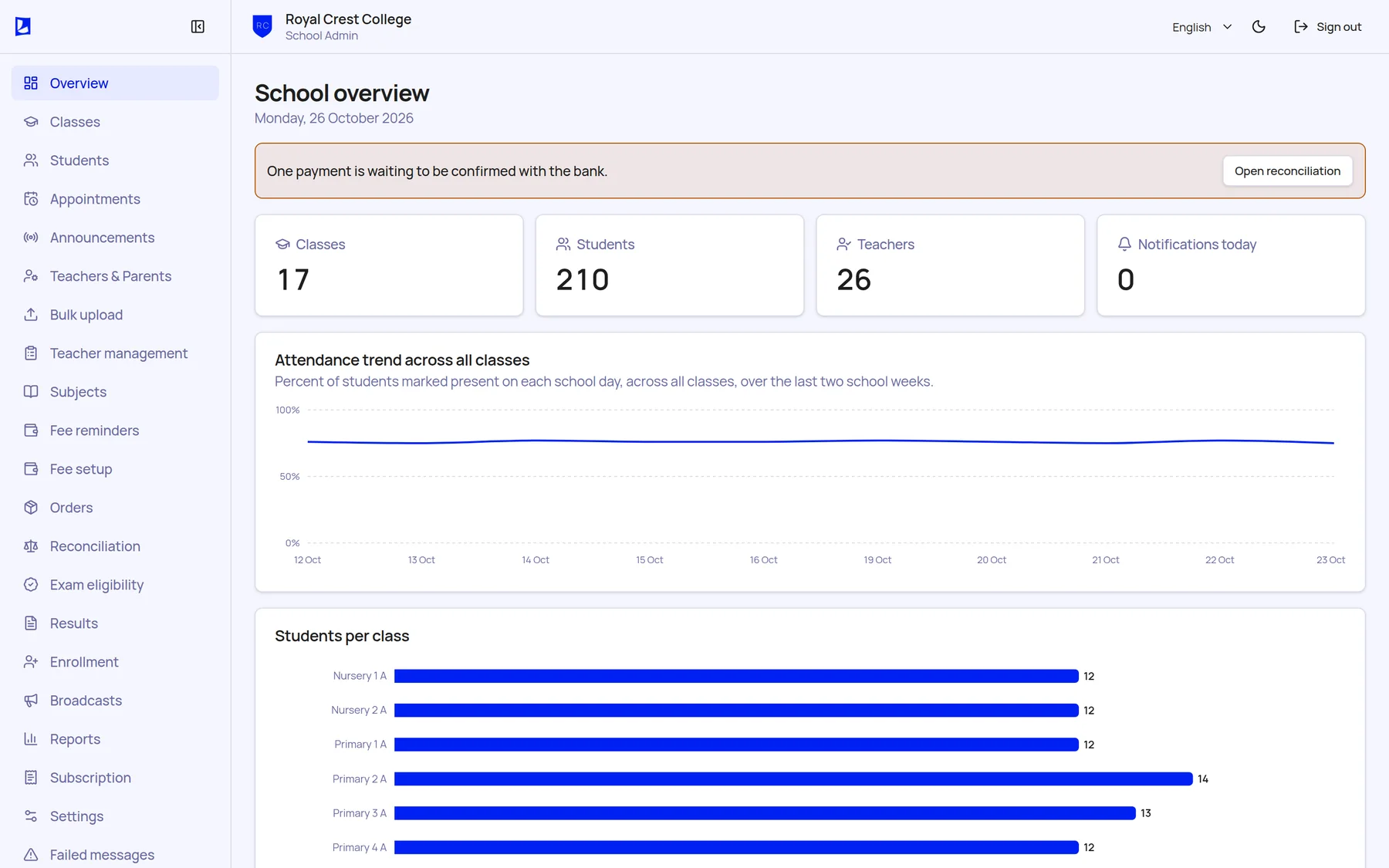
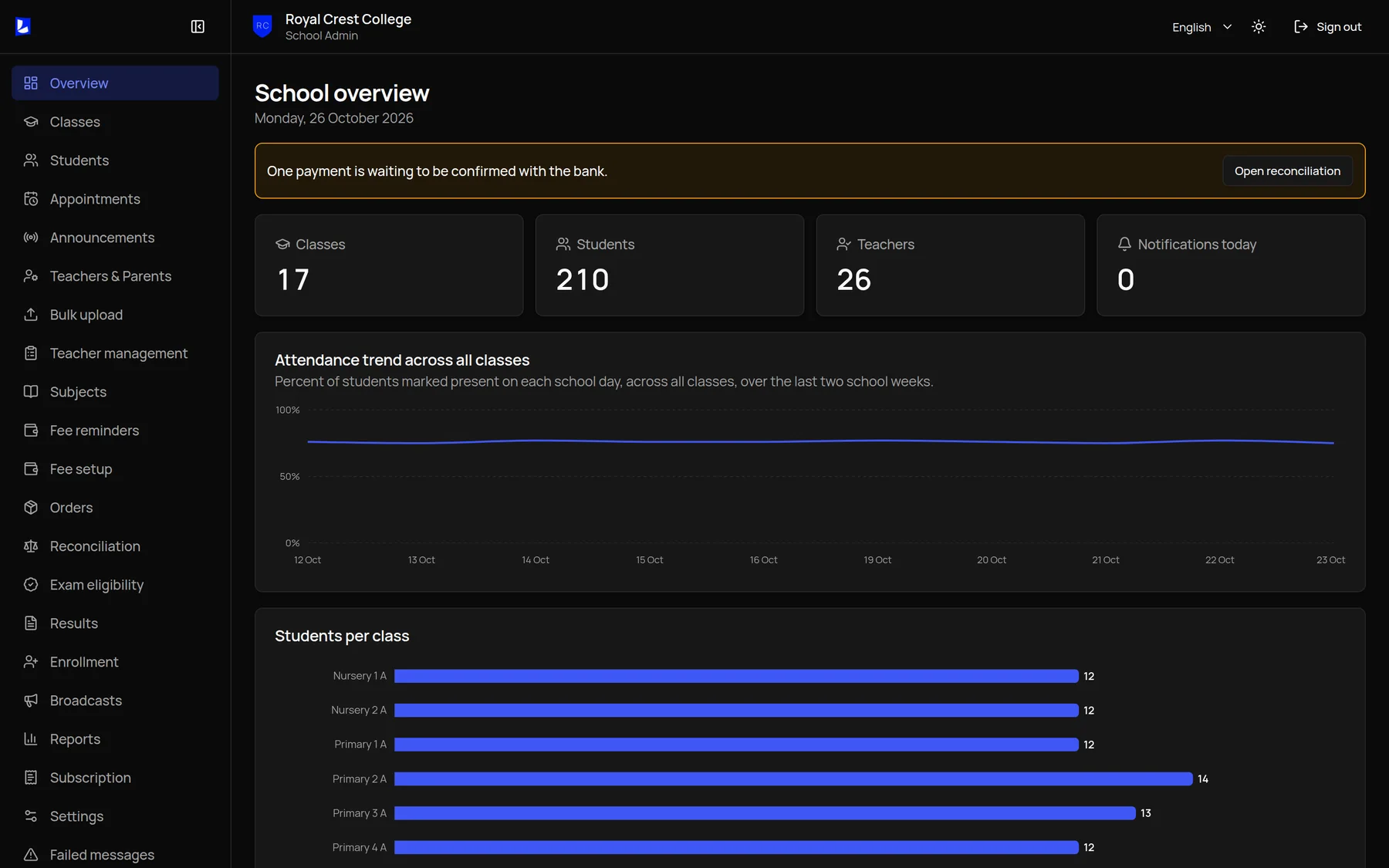
The school administrator dashboard with attendance trends, class counts, and one payment waiting to be checked
The school overview.

Getting started

Set up once, then run the school day.

The guided setup asks for the details a school needs before it can run, and the dashboard stays closed until they are in place.
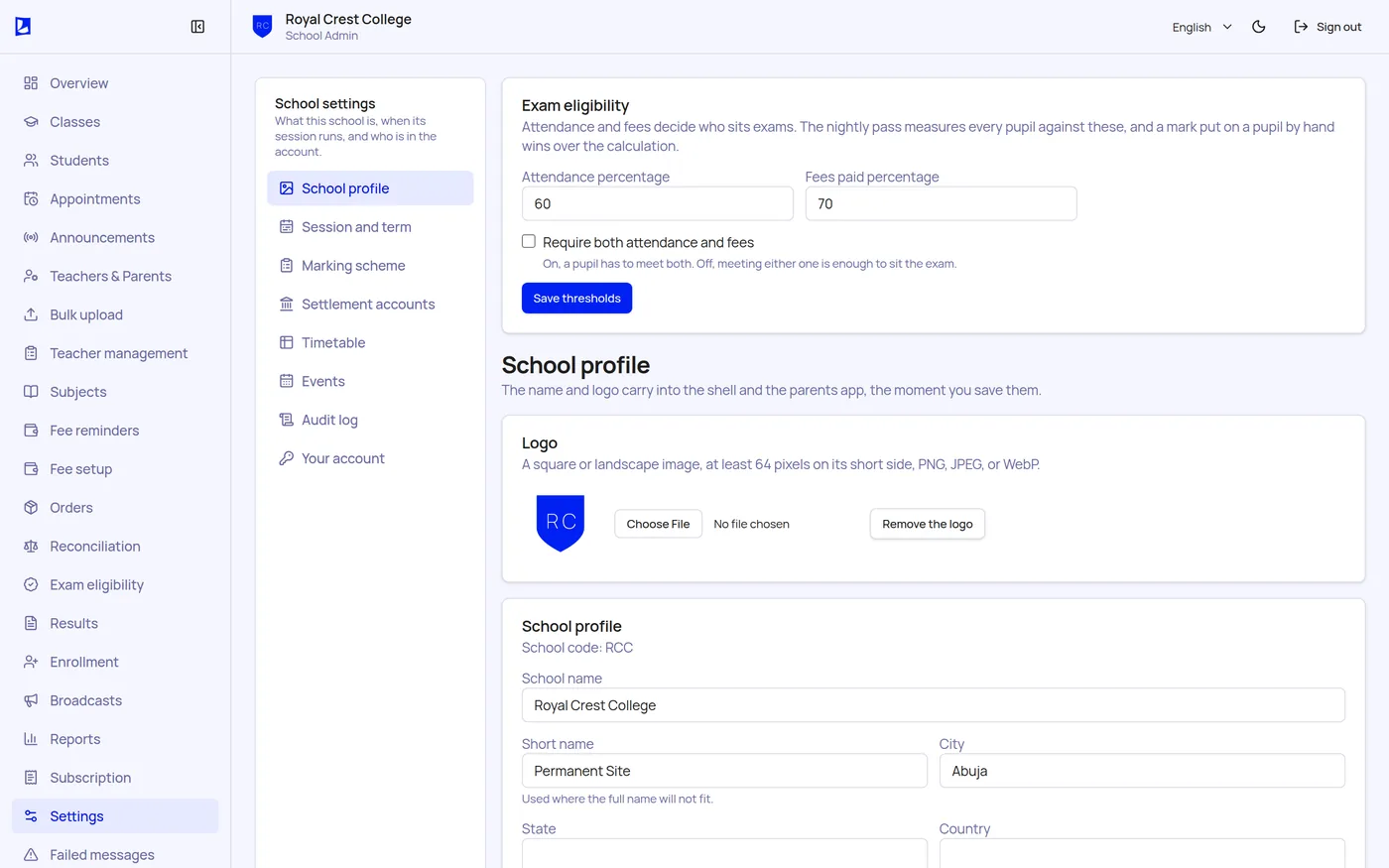
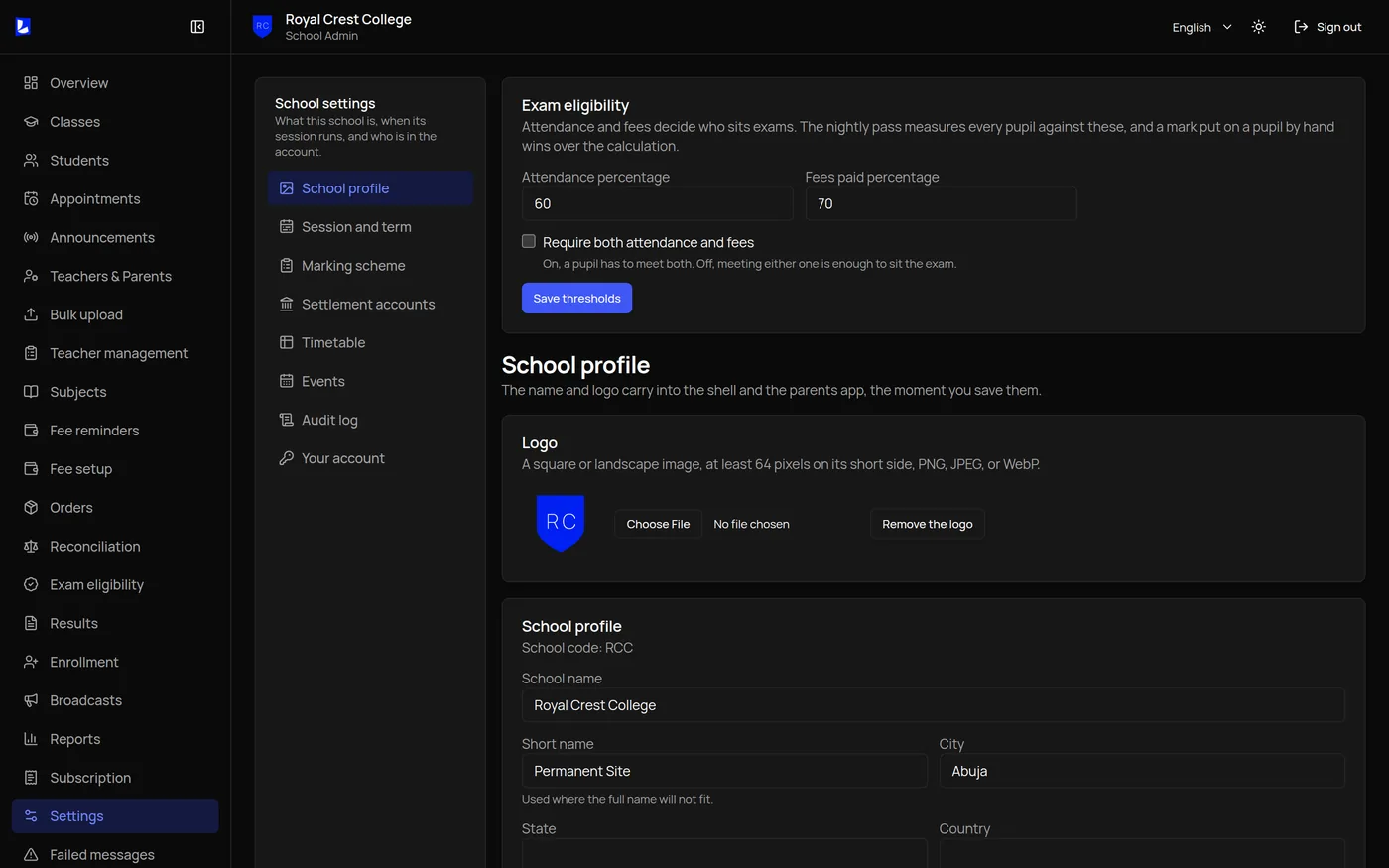
  • Logo, name, and the school’s own colours.
  • School year and term dates, classes, subjects, and the fee schedule.
  • The school’s bank account, verified with the payment company.
  • The dashboard opens when the setup is complete, and the platform keeps it closed until then.
The school settings screen with exam thresholds, the school logo, and the school profile
School settings.
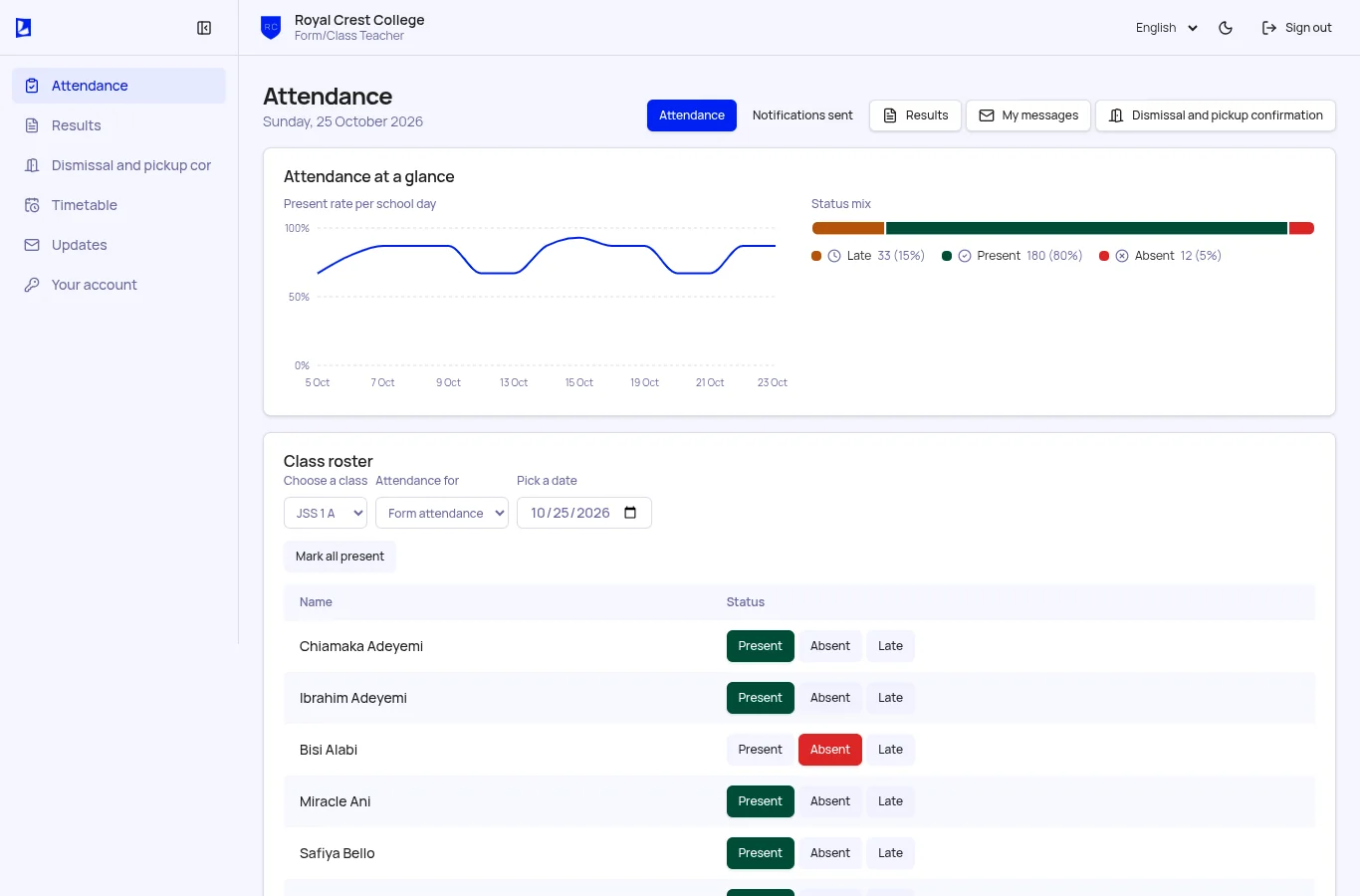
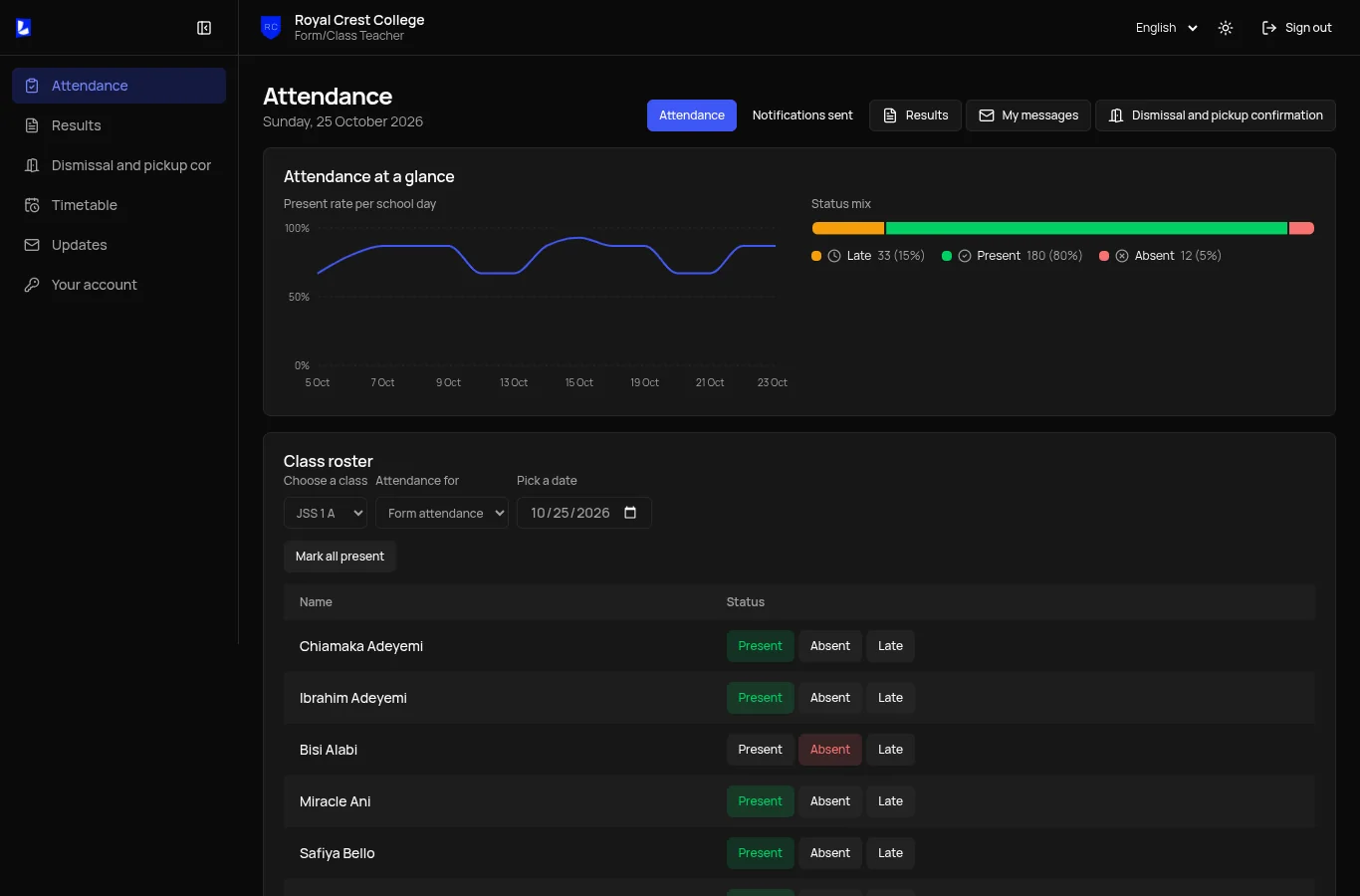
The teacher attendance screen with a class list, a status mix, and the attendance trend
The teacher’s attendance screen.

Attendance

Mark the register once.

A class teacher marks the class once. A subject teacher marks that subject. The same record feeds the parent message, the office trend, and the report.

  • Take the class register or mark one subject, with the difference clear.
  • A correction is recorded, not erased, and only today can be marked.
  • A message history that shows what was sent, what is waiting, and what failed, with a retry for the ones that failed.
  • The trend comes from the same record, across classes and school days.

The school day

Announcements, dismissal, timetable, and appointments.

The rest of the day is not a second system. It reads the same classes, the same families, and the same record.

One message, the right people

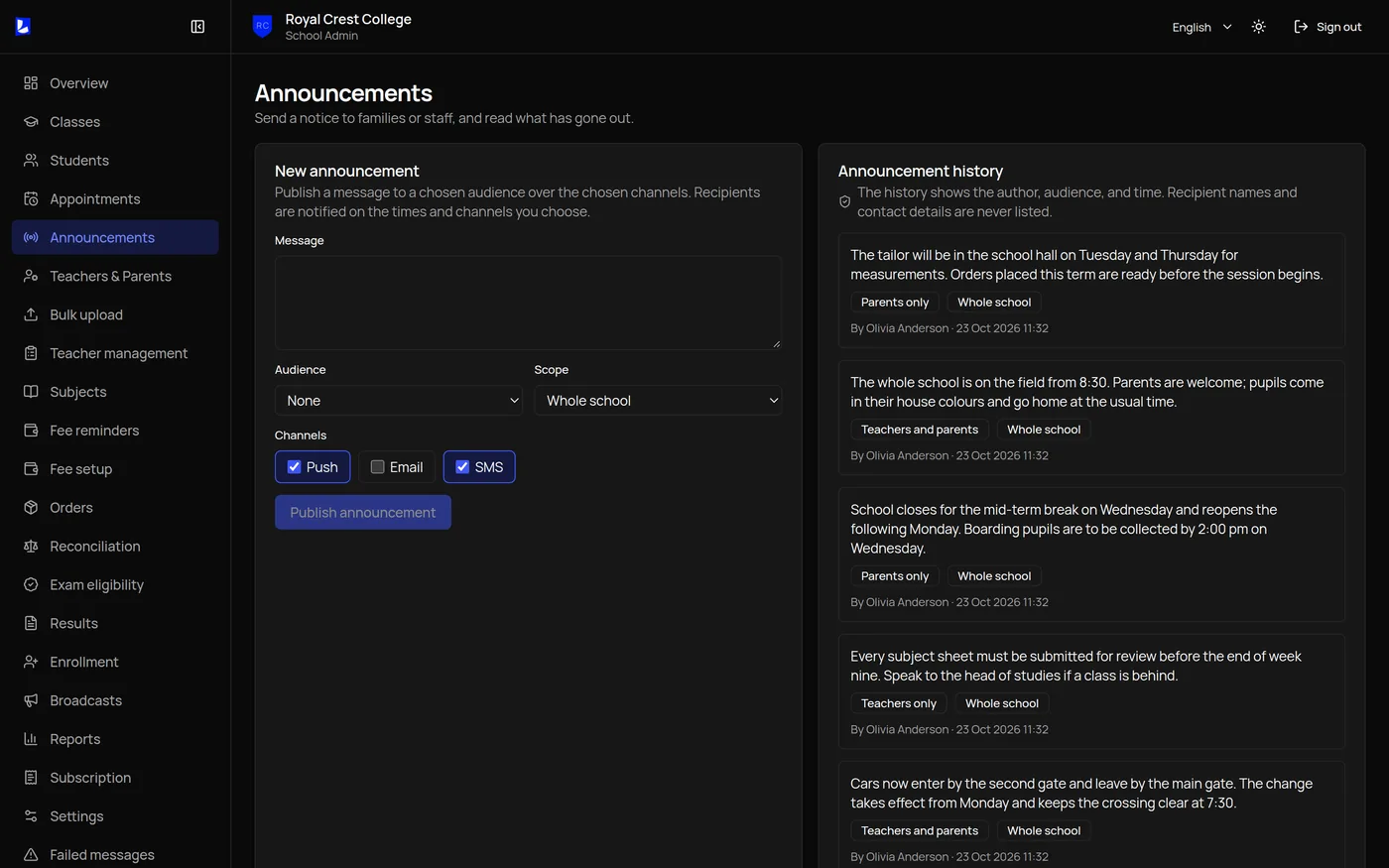
Choose teachers, parents, or both. Send it to the whole school, a level, or one class, and pick the channels.

Who collected the child

Record who collected a child and at what time, against that child’s record.

The week, without timetable clashes

A class and teacher timetable that warns about a clash before it reaches the classroom.

A parent asks, the office answers

Parents request a meeting with a teacher or the office, and the request keeps its status.
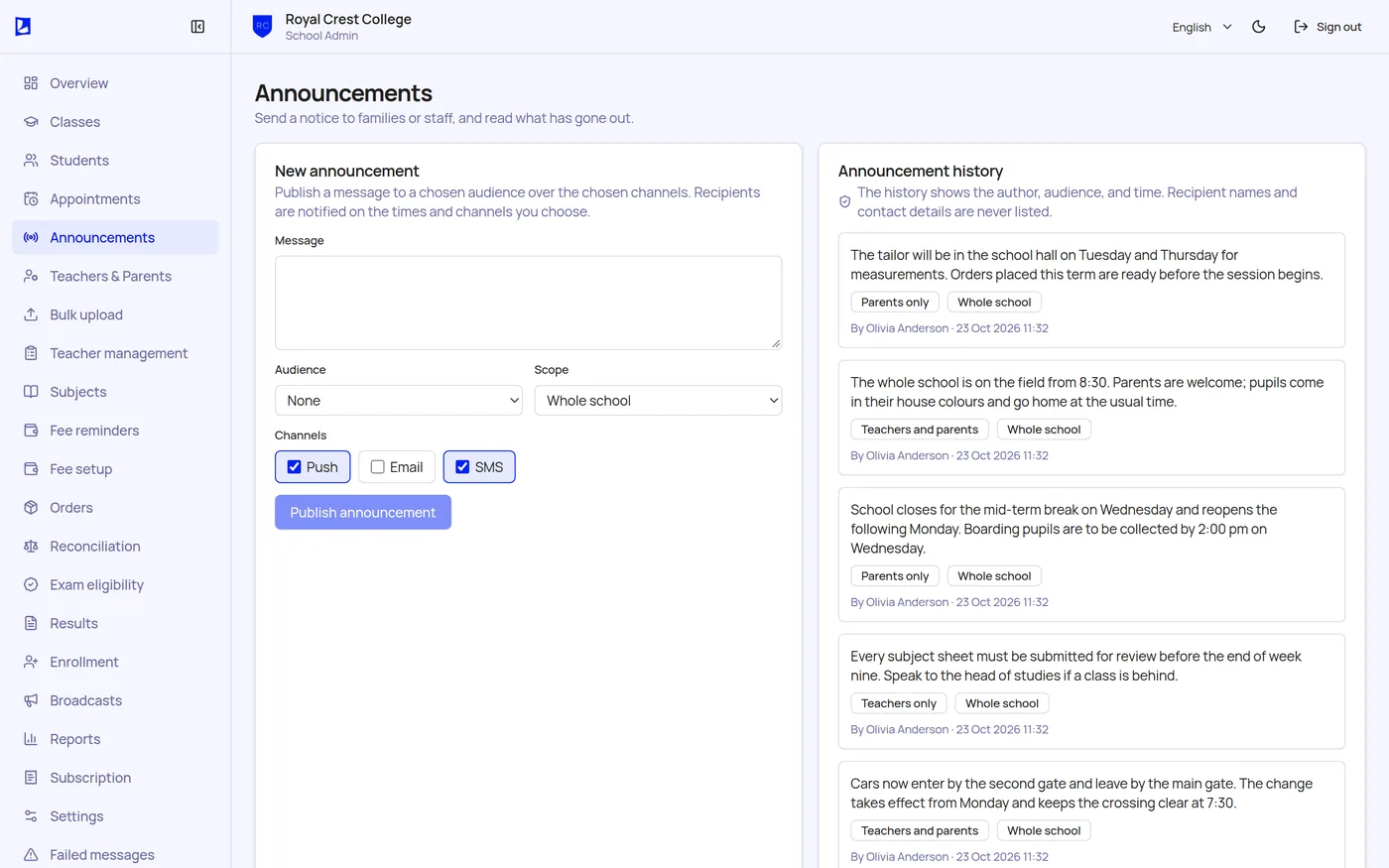
The announcements screen with a message composer and a history of sent messages
Announcements and the history.

Money

Fees and shop payments, all accounted for.

A parent pays fees and buys school items in one checkout. The school sees what was billed, what was paid, and what still needs attention.

  • Set fees by term, class, or student, with required and optional items.
  • One basket grouped by child and category, with one receipt that lists each item.
  • The payment company sends the school’s share into its verified bank account.
  • A money record, receipts, payment checks, and refunds that keep the original entry.

Where the money goes.

Parent pays

Fees and shop items for one or more children

Payment company

Checks the payment and divides it

School bank account

The school’s share goes into its verified account

Platform record

The money record, receipt, and payment checks

The school’s share goes into the school’s bank account and the platform keeps the record. One payment, one receipt.
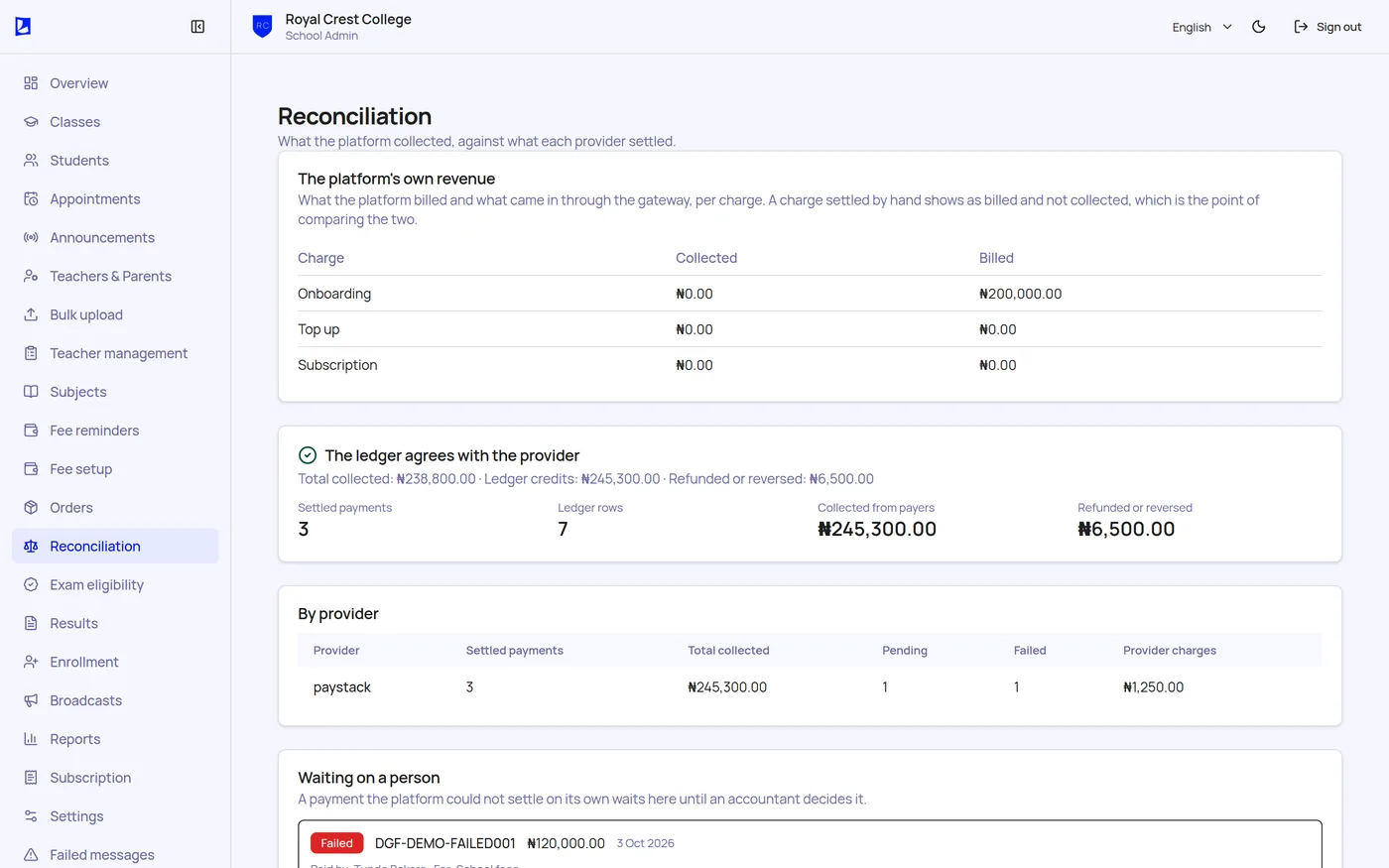
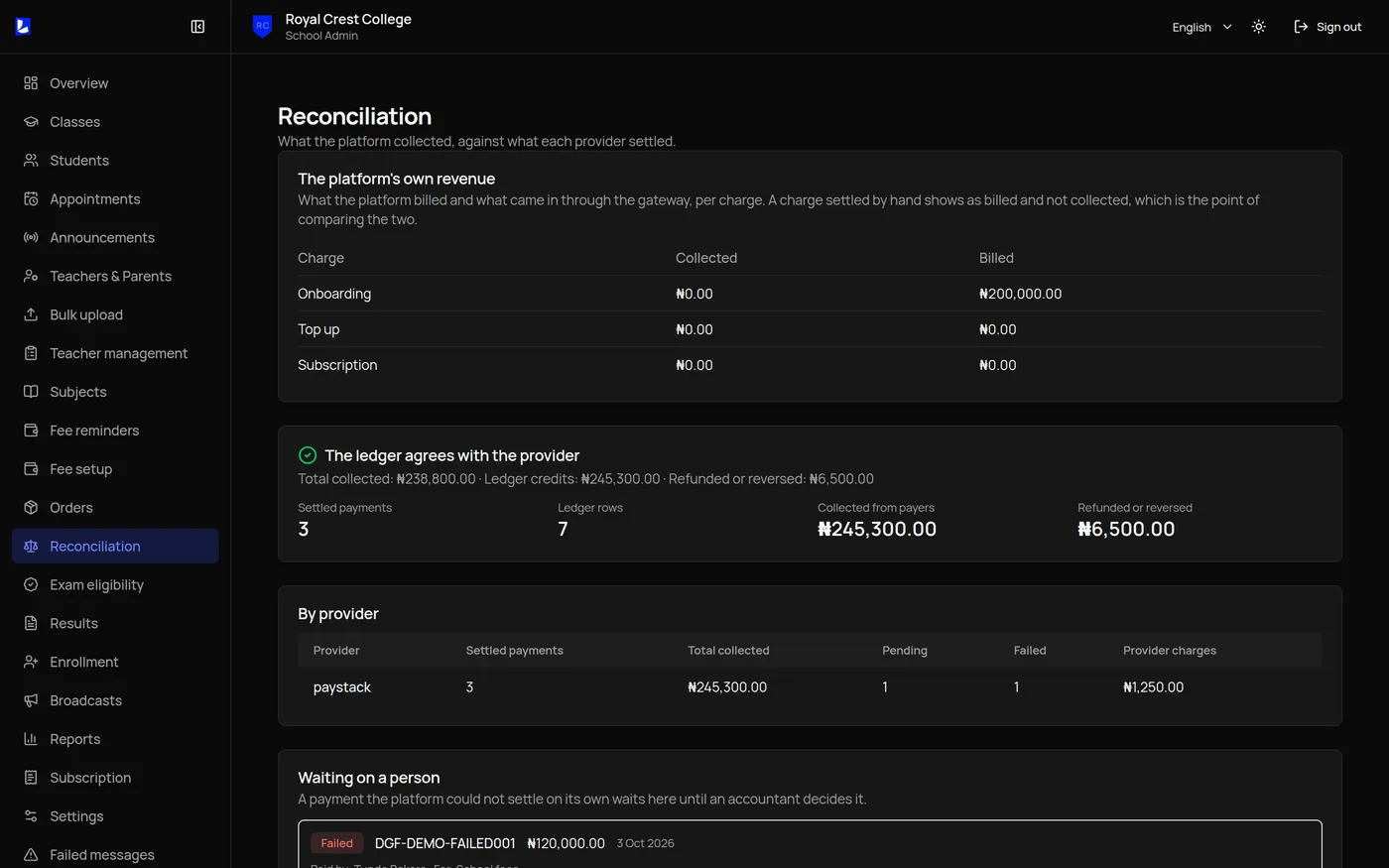
The payment checks screen showing collected and billed totals by payment company
Reconciliation.

Results

Marks, report cards, and exam eligibility.

Upload the marks, review them, release them, and turn them into a report card. Who can sit an exam is worked out from the school’s records rather than typed in by hand.
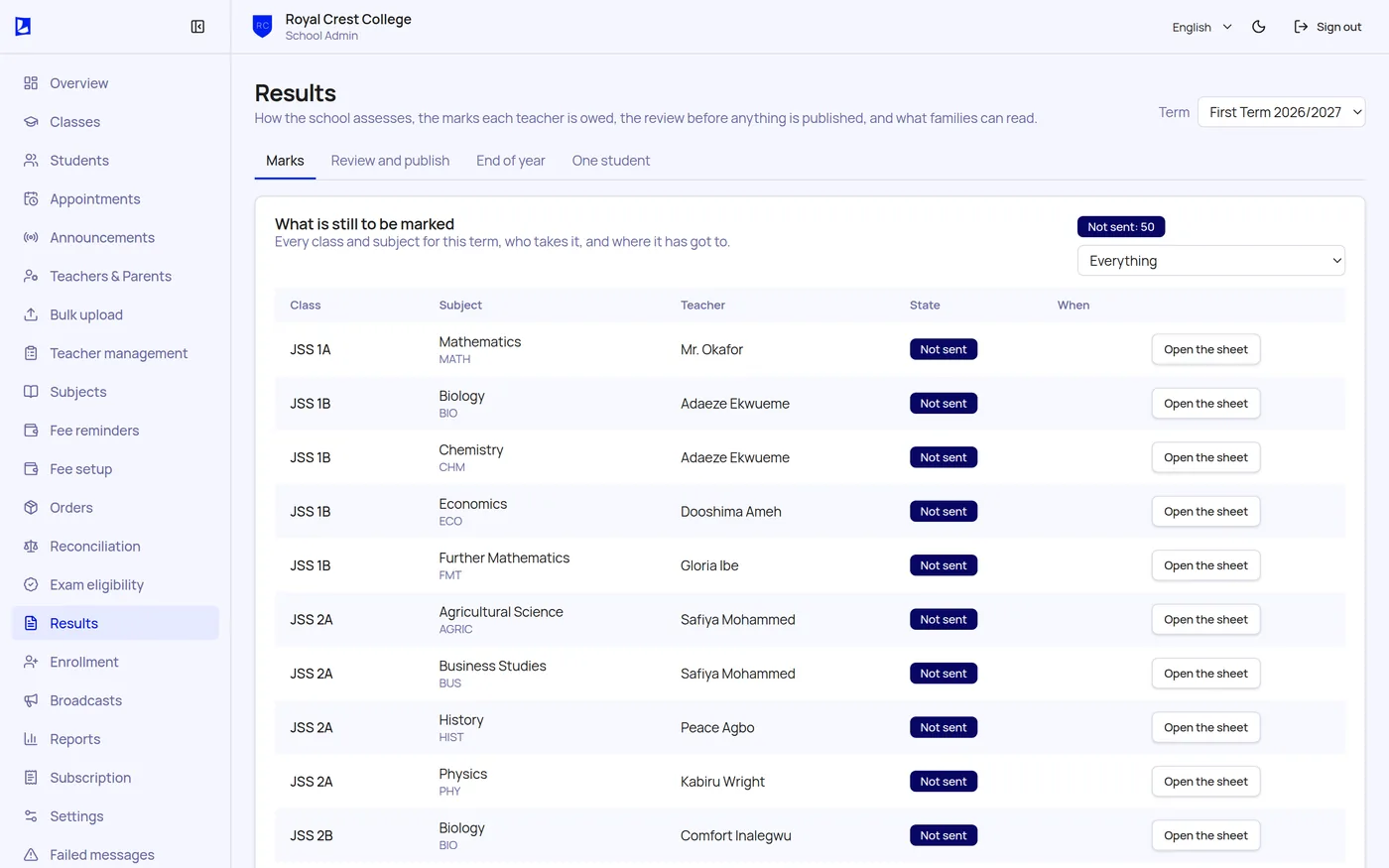
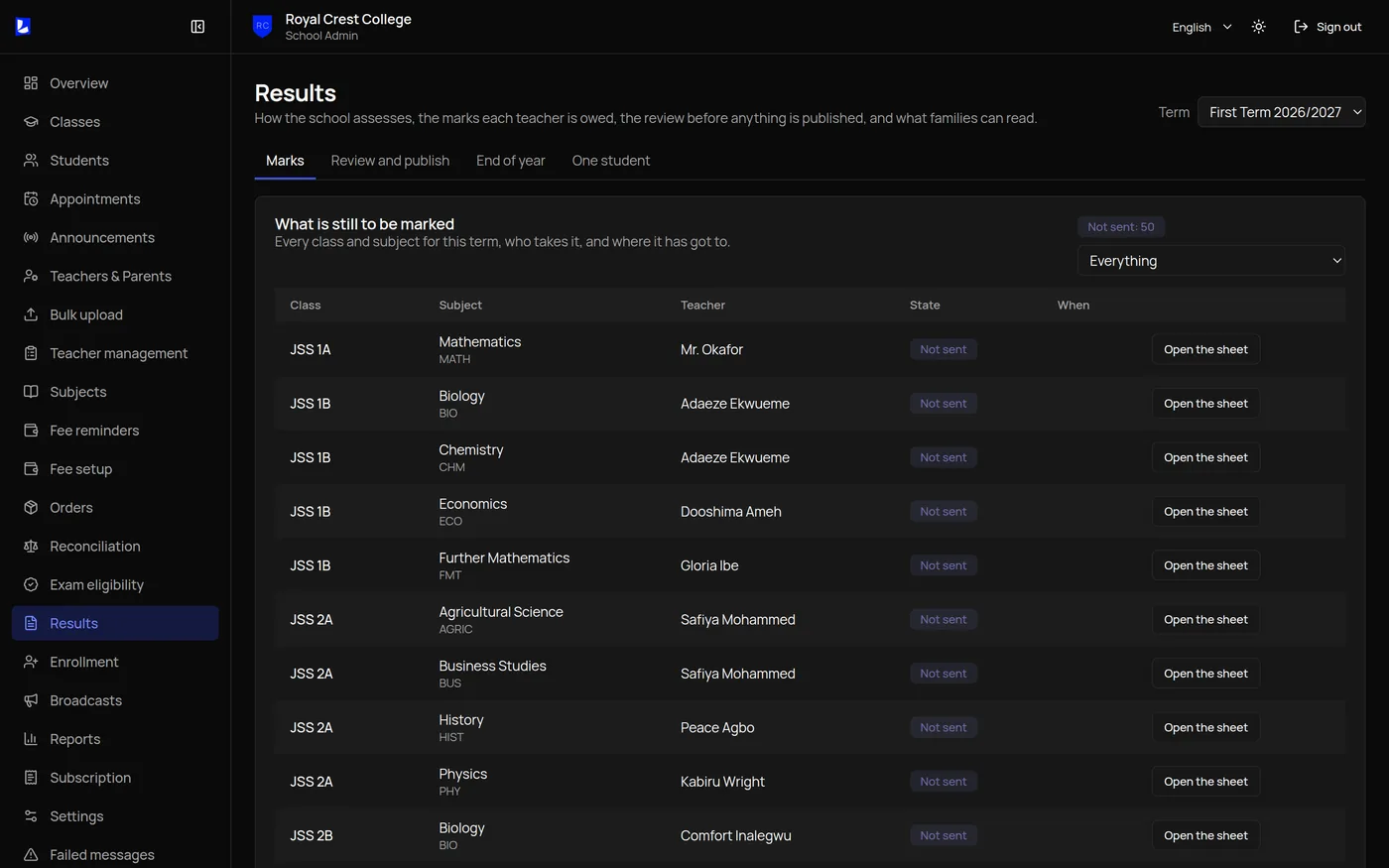
  • Upload a results file, with a check before anything is saved.
  • Review the marks, then release them to the families who should see them.
  • A report card for each student and term, as a PDF with the school’s own identity.
  • Who can sit exams, based on attendance and fees, with a manual exception that records who made it and why.
The results screen showing the classes and subjects still to be marked
Results and report cards.
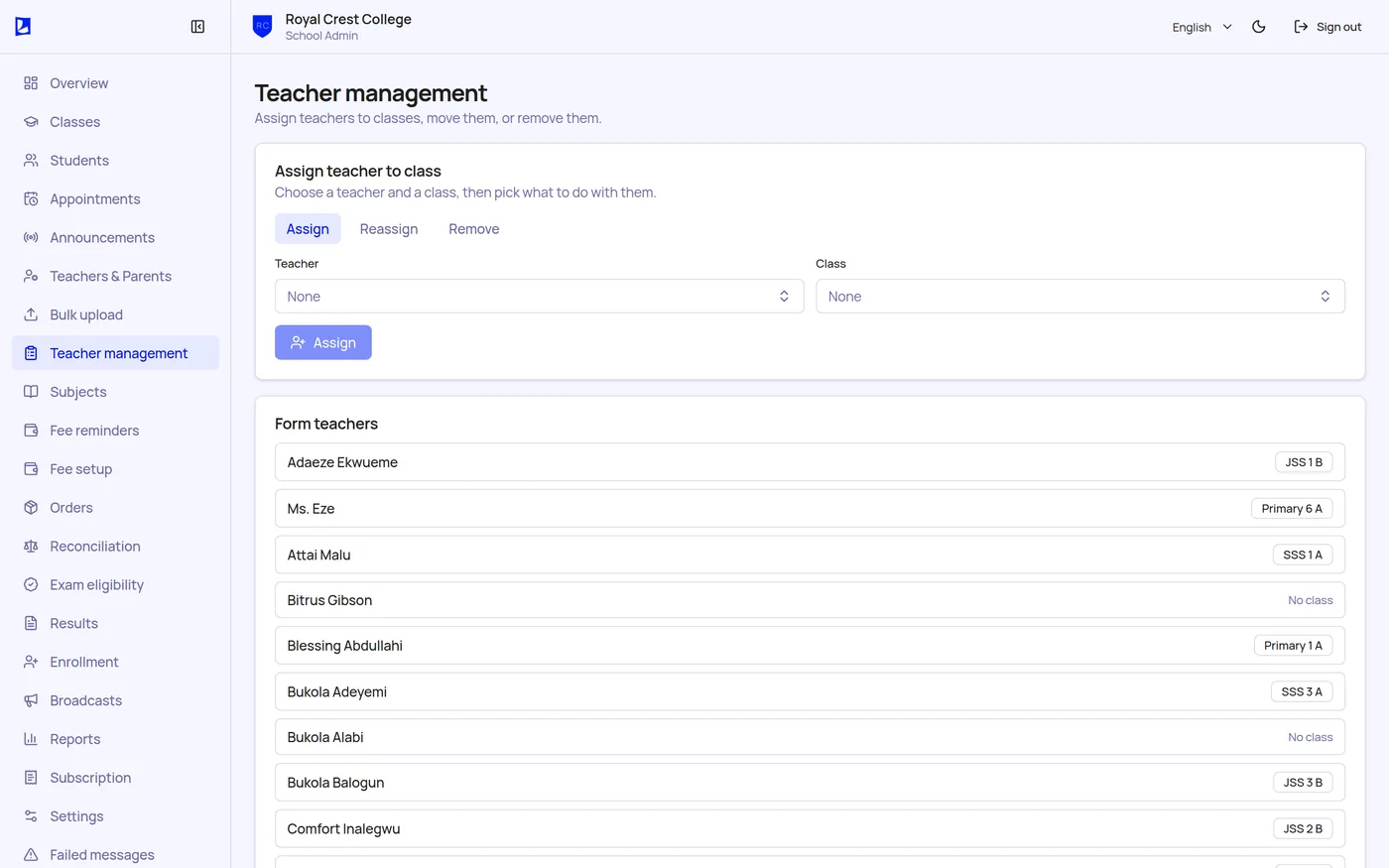
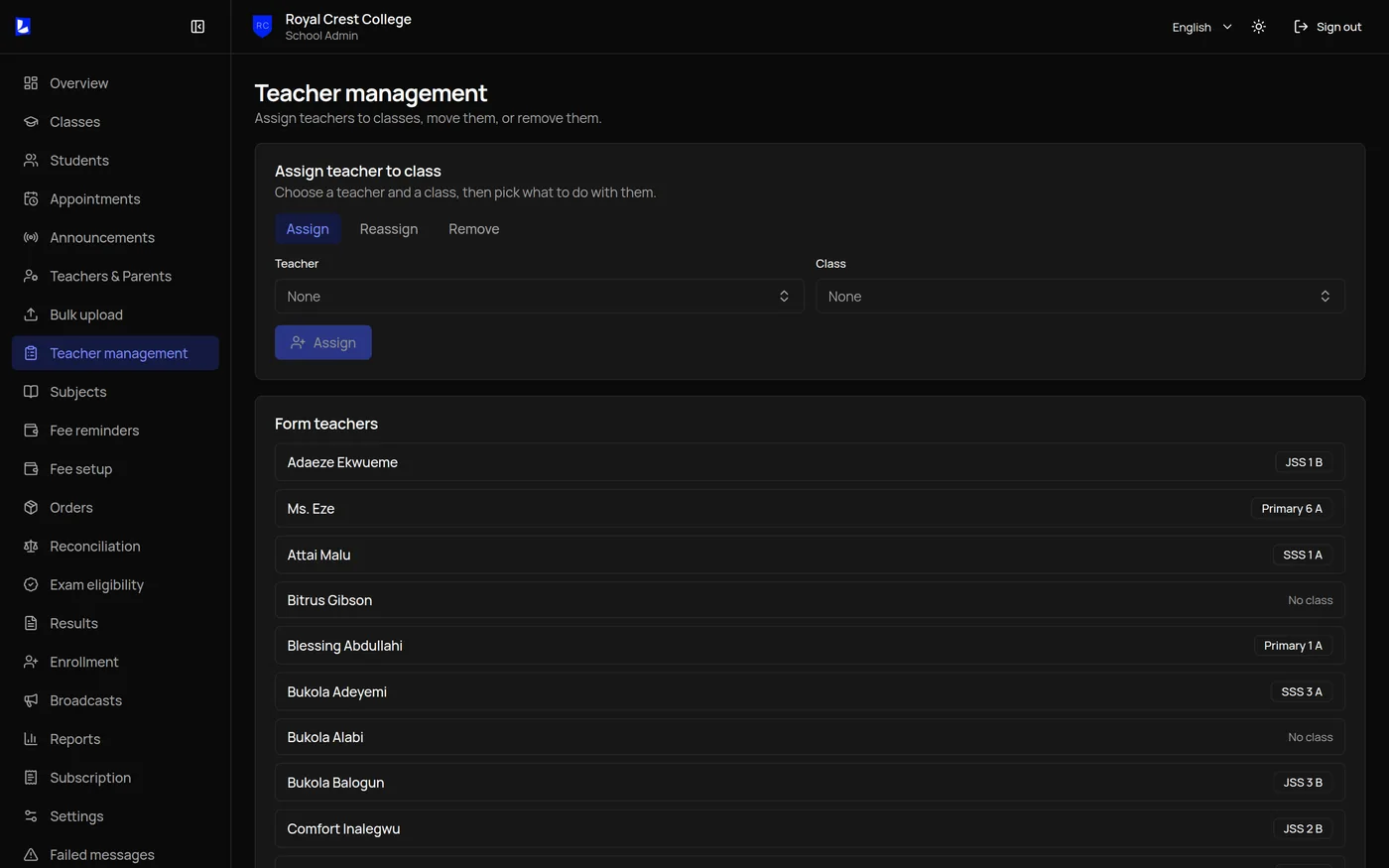
The teacher management screen with class assignments and the form teacher list
Teacher management.

People

Teachers, classes, and student lists that grow.

A school adds staff, assigns classes, and imports a whole student list without typing it one name at a time.

  • Add a teacher, assign a class, reassign, or remove them.
  • Import teachers, students, and parents from a spreadsheet, with a preview before anything is saved.
  • The teacher app carries the register, marks, timetable, and messages.
  • Each role sees what its work needs, and the platform enforces the same limits.

Plans

A plan for the size of the school.

Every plan includes the core platform. The limits change with the size of the school, and the trial form shows the current price for each plan.

Growth

For a small school starting out.

Included

  • 200 students
  • 9 classes
  • 2,000 SMS
  • 5,000 emails
  • 3,000 push messages

Standard

For a growing school with steady enrollment.

Included

  • 1,000 students
  • 30 classes
  • 5,000 SMS
  • 5,000 WhatsApp messages
  • 20,000 emails

Premium

For an established school at full scale.

Included

  • 5,000 students
  • 100 classes
  • 15,000 SMS
  • 15,000 WhatsApp messages
  • 50,000 emails

Setup is arranged with the platform team. The trial form shows the current price for each plan.

Secondary school students in white and blue uniforms seated at their desks

The next step

Put your school on one record.

Request a walkthrough with your own classes, fees, and results in front of you, or start a trial.